
The Secret to Designing Perfect Math Templates for Google Slides
Share this post:

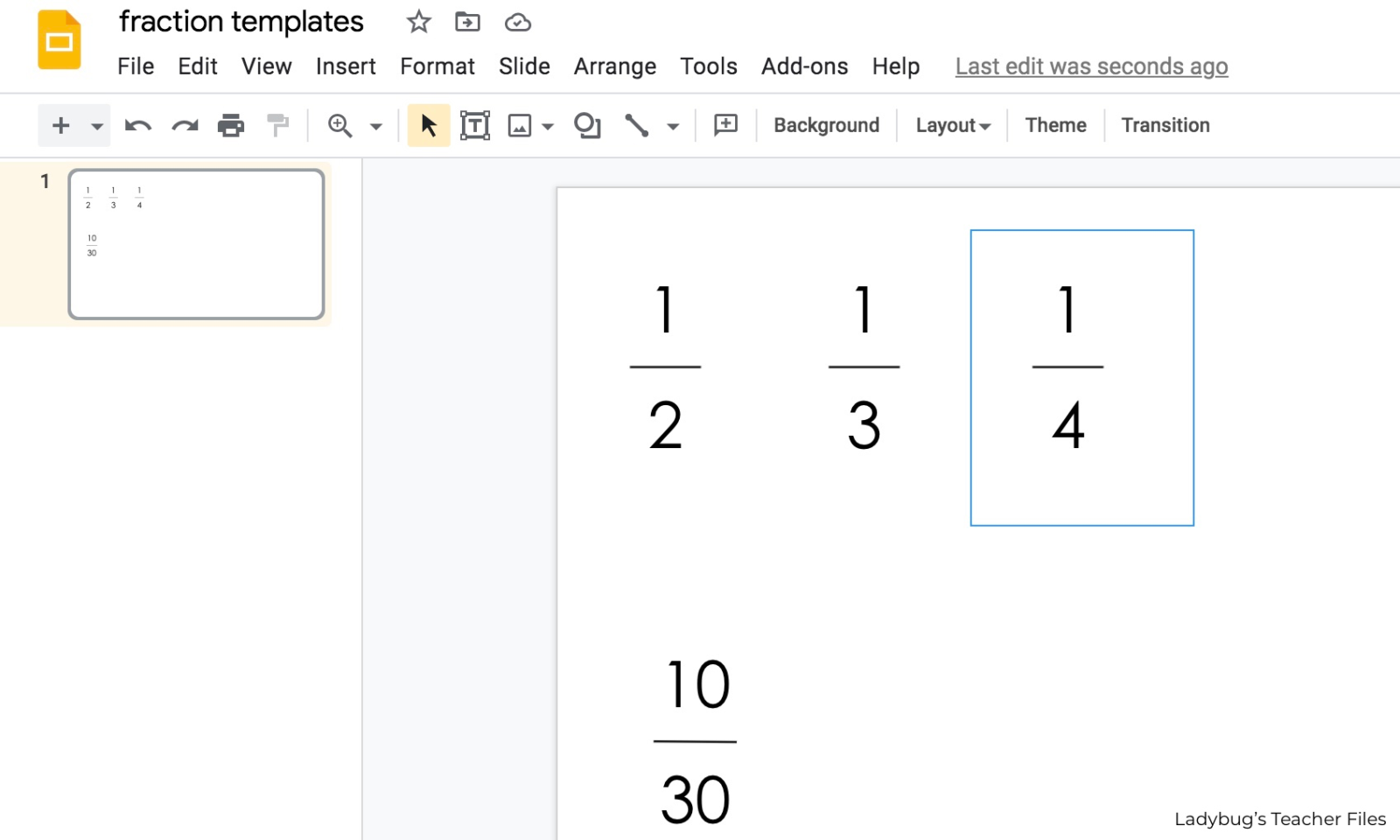
Creating math templates for Google Slides is one of my favorite timesavers for teachers. All it takes is setting up a few tables and you can design number lines, fraction templates, hundreds charts, and more!
Over the years, I’ve shared posts on using tables to create math templates you can reuse again and again with ease.
It truly saves so much time!
And I thought I had perfected my math templates for Google Slides, until I learned something new…
The Secret to Perfect Math Templates for Google Slides
Recently, I stumbled upon a feature that has been a total game changer in designing these math templates for Google Slides.
And it’s all in the padding.
Here are all the inside tips, plus a free starter template for you to try.
Setting Up Tables
I love using tables for all of my math templates. They are just so easy to set up and they help to make perfectly-spaced math visuals:
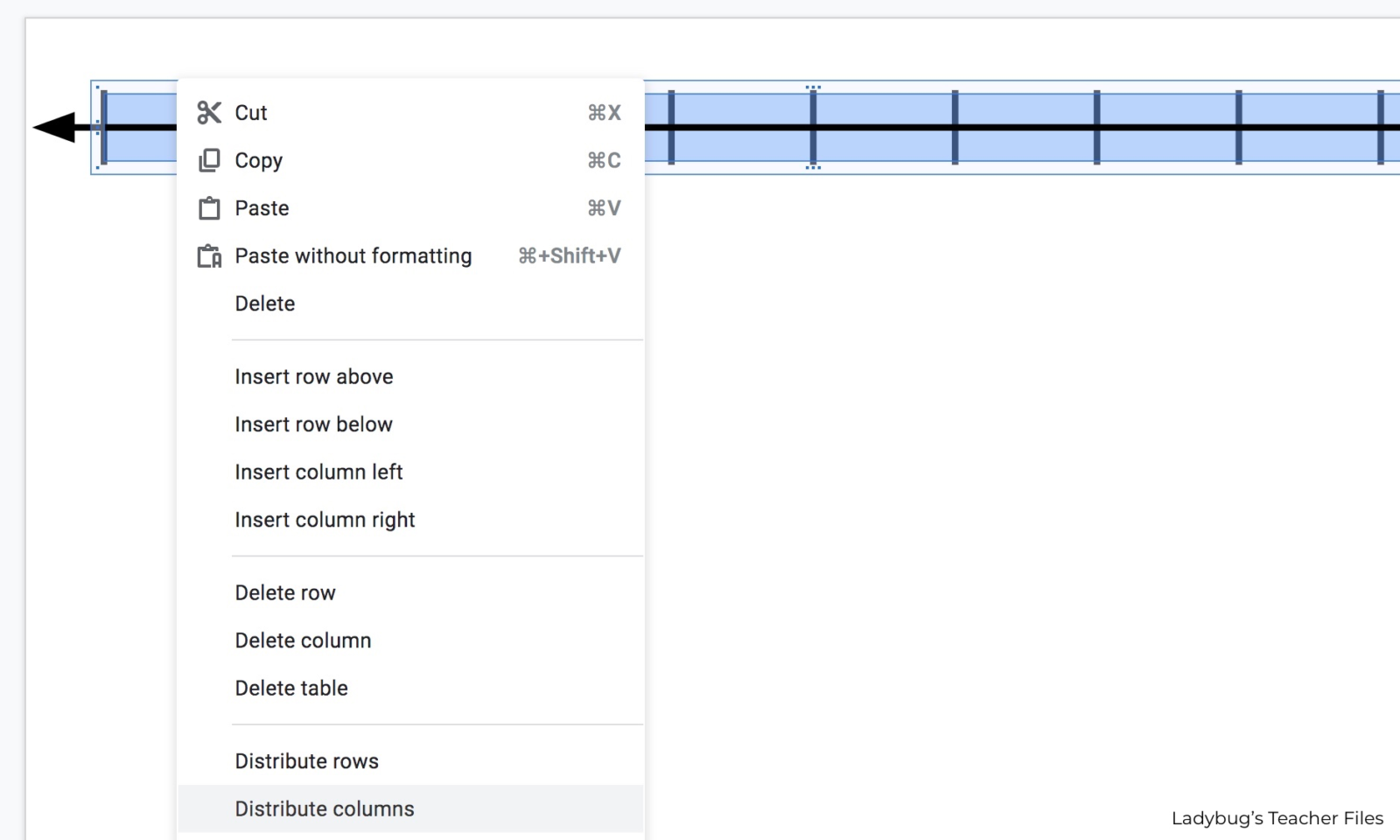
I have all the quick steps on setting up tables for fractions and number lines here, if you’d like to start from the beginning:
How to Make Fractions in Google Slides
How to Make Number Lines in Google Slides
If you feel like you are ready for the next step, read on!
Adjusting the Padding
Now that you have your tables set up, we are ready to bring them to the next level with padding!
Why adjust the padding?
Normally when we create with tables, we can only move the cells a certain amount. A built-in padding prevents us from having total design control.
Which can lead to long fraction bars and hundreds charts with numbers that have to be really small, all because that table has to be a certain width.
Not anymore!
We can set that padding to zero to create those perfect math templates for Googles Slides!
Click on your table to select it…then click Format Options:

(my go-to font these days is this student-friendly number font)
Click on Text Fitting:

Head down to the Padding section:

The default setting is 0.1 inches. If we change these to zero, we will have more control over the design of our templates!
Set the top, bottom, left, and right padding to zero:

Now we can adjust the width of our tables with ease!
Click to select your table and drag the sides to change to any width:

No more long fraction lines, we can make them the perfect size:

Ready-to-Go Templates
I have several sets of beautiful, ready-to-use math templates here:

Free Starter Templates
You know my goal is always to save you time. If you are feeling too busy to try this tutorial now, I have you covered.
I set up a few starter templates (with no padding, of course!) for you.
This starter kit features fraction templates and a number chart, all ready for you to customize and create your own perfect math templates for Google Slides!
These templates are part of my Free Math Resource Collection…grab them below!

Kristen Beakey
I’m an elementary teacher who is driven to design hands-on, scaffolded math lessons and tools for students in 2nd-4th grade. My passion is helping struggling students gain confidence and understanding in math, while saving you time in teaching (because you are busy enough!).
